ShopGrow

Auto repair receipt maker

Fill in the job, check the preview, and download a clean car repair receipt as a PDF. Your shop details are saved in this browser for next time.

What are you making?

Your shop

Saved in this browser only

Repair Receipt details

Customer

Vehicle

Parts

Amount $0.00

Labor

Amount $0.00

Fees, discount and tax

Tax applies to parts by default. Some states also tax labor or shop fees. Check your state rules.

Payment

Notes and terms

Preview

Total $0.00

Your Shop Name

Repair Receipt

No. R-1001

11/12/2026

Customer

-

Vehicle

-

Parts and labor you add show up here.

Parts$0.00
Labor$0.00
Sales tax (0%)$0.00
Total$0.00
Payment methodCard
Amount paid$0.00
Balance due$0.00

Made with ShopGrow, shopgrowapp.com

Total

$0.00

Quick answer

An auto repair receipt shows the shop, the customer, the vehicle with VIN and mileage, each part and labor line, tax, the total and how it was paid. Fill in the maker above and download it as a PDF for free.

How it works

  1. 1Add your shop name, address and logo once. They are saved for next time.
  2. 2Enter the customer, the vehicle and each part and labor line.
  3. 3Pick Receipt if they paid, or Invoice if they will pay later.
  4. 4Download the PDF to print, email or text to the customer.

What you get

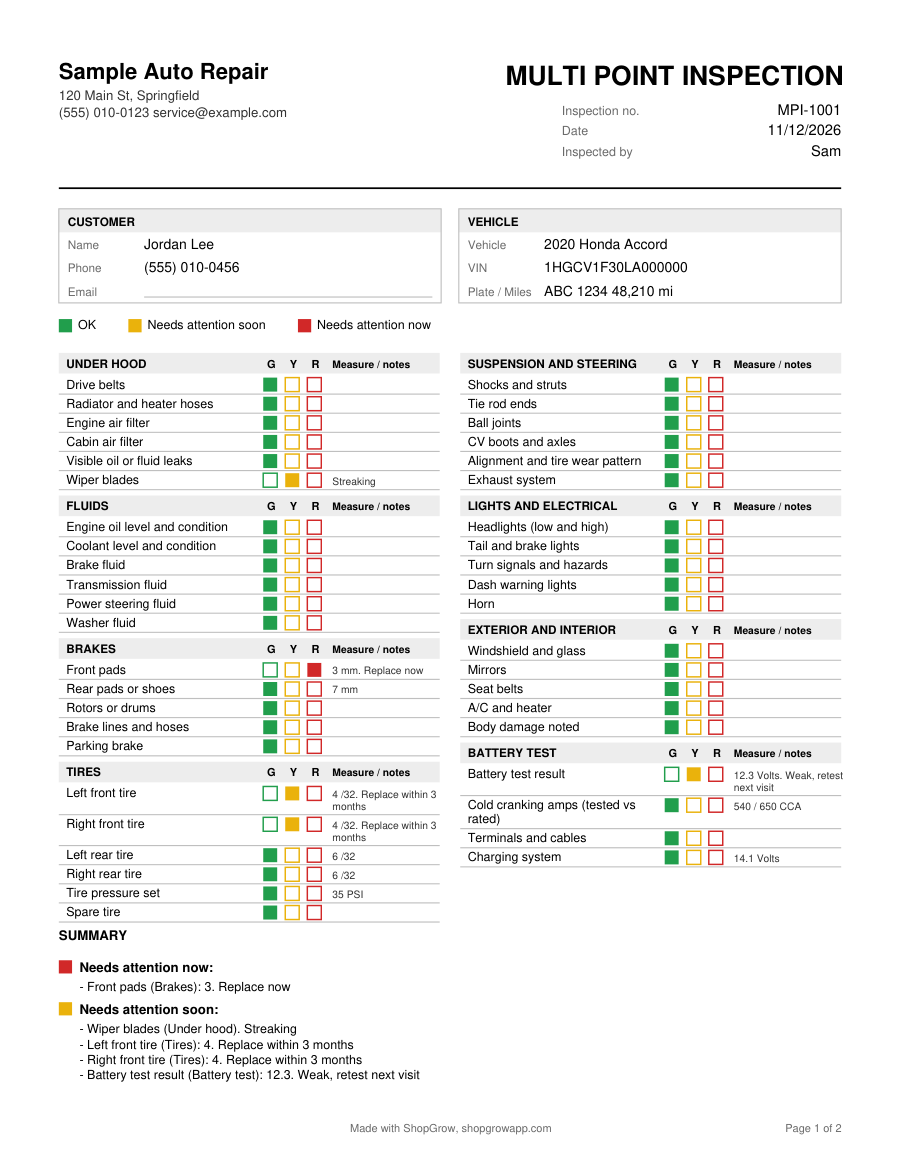
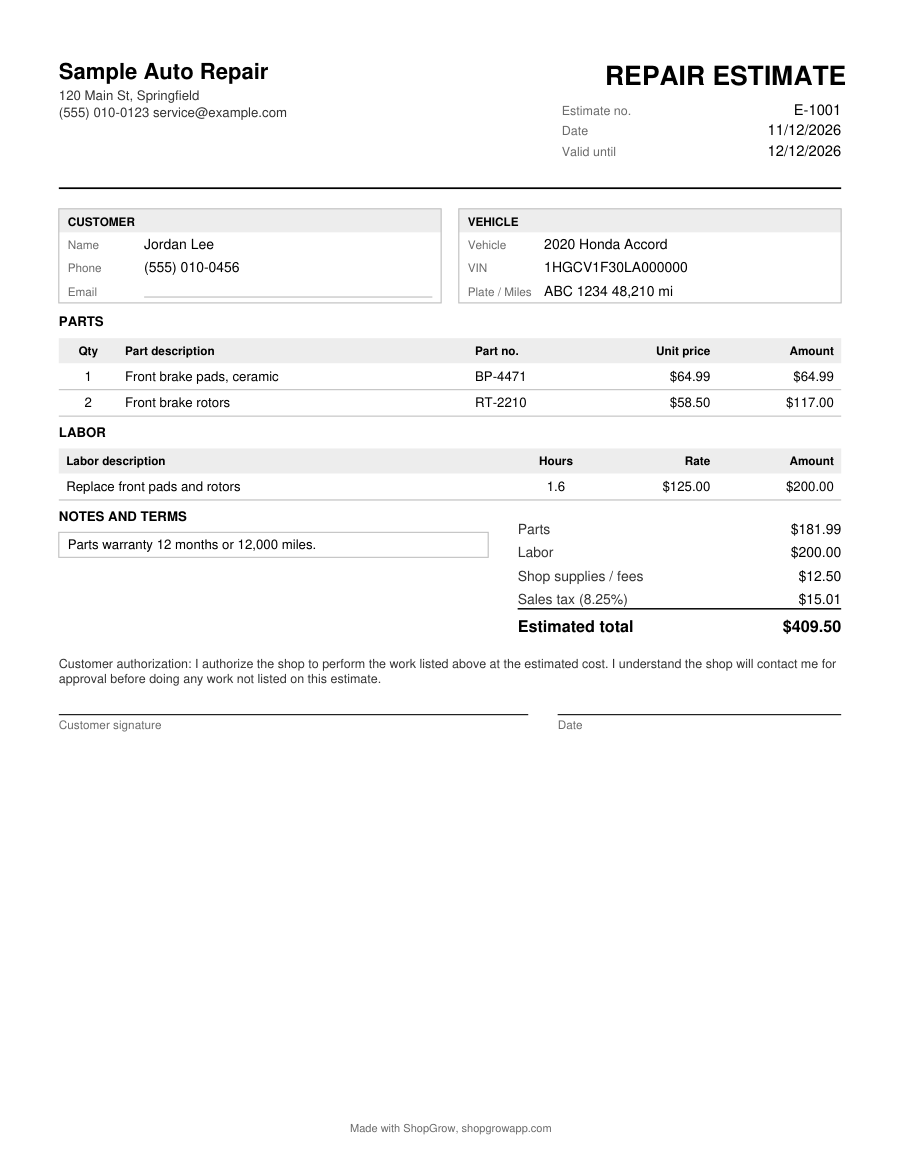
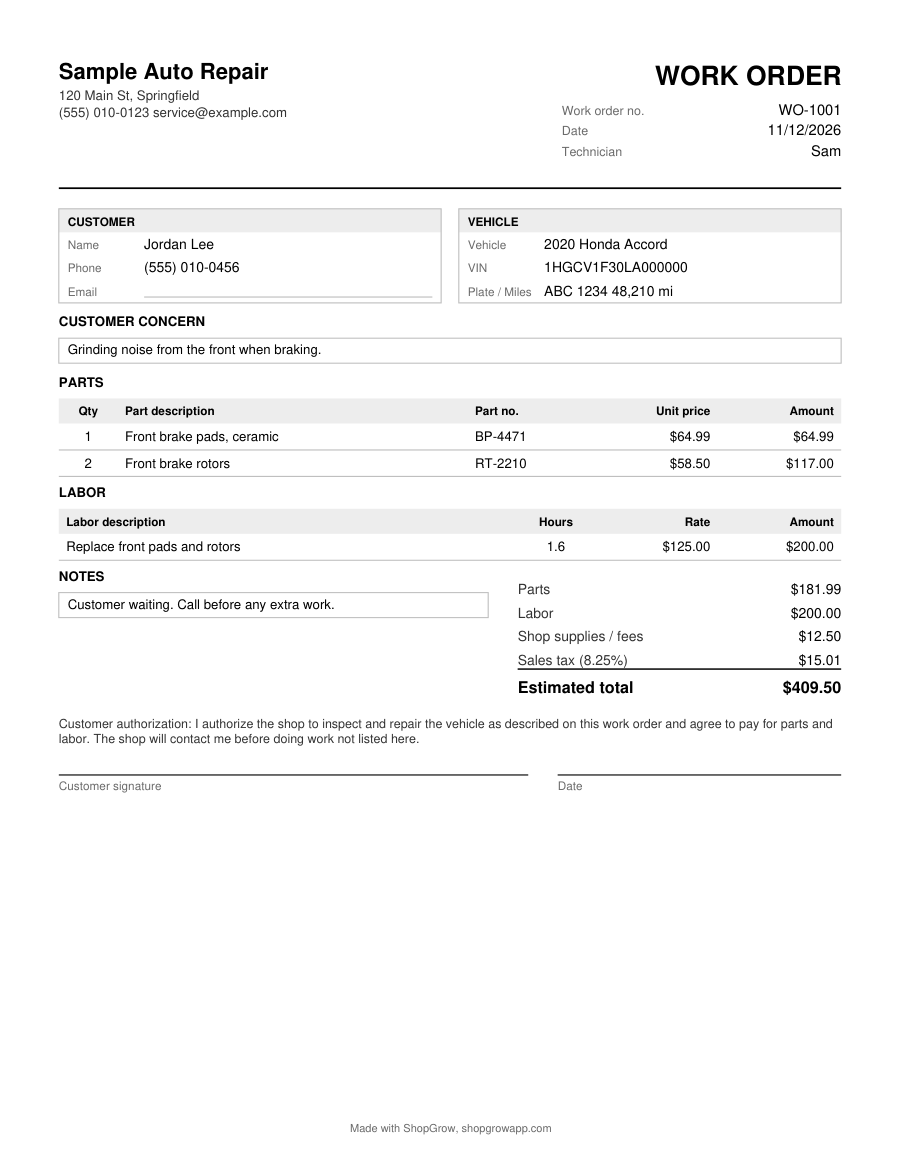
Real pages from this tool, with sample details. Tap one to see it full size.

Prefer to fill it in by hand?

Print the blank PDF. Free, no email needed.

Blank auto repair receipt (PDF)

Want it in Word or Excel?

The Starter Kit has all 7 forms as editable Word and Excel files, with the math built into Excel. $29 one time.

See the Starter Kit

What goes on an auto repair receipt

A good mechanic receipt answers three questions: who did the work, what was done to which vehicle, and how much was paid. If a customer calls six months later about a warranty, the receipt is the record you both look at. Put these on every one:

  • Your shop name, address and phone number
  • A receipt number and the date of payment
  • Customer name and a phone or email
  • Vehicle year, make, model, VIN and the mileage at drop off
  • Each part with quantity, part number and price
  • Each labor line with hours and rate
  • Shop supplies or other fees, any discount, and sales tax
  • Total, amount paid, payment method and any balance
  • Warranty terms for parts and labor, if you offer them

Listing parts and labor on separate lines matters. Customers trust a receipt they can read, and many states tax parts and labor differently. Separate lines also make your own bookkeeping easier at tax time.

A filled example

Here is how a simple brake job reads on a receipt:

LineDetailAmount
Part1 x front brake pads, ceramic, at $64.99$64.99
Part2 x front rotors at $58.50$117.00
LaborReplace front pads and rotors, 1.6 hours at $125.00$200.00
FeeShop supplies$12.50
Tax8.25% on parts ($181.99)$15.01
TotalPaid by card$409.50

Type the same lines into the maker above and the totals work out for you. The tax rate in this example is only a sample. Use the rate for your city and state.

Common receipt mistakes

  • No mileage. Mileage is how you and the customer prove when a part went on. Warranty claims often depend on it.
  • One lump sum. A single "brake job $409" line invites questions and makes tax harder to work out.
  • No VIN. Customers with two similar cars, or fleets, need the VIN to match the receipt to the right vehicle.
  • Missing payment method. When a card payment is disputed, a receipt that says how and when it was paid helps.
  • Reused numbers. Give every receipt its own number. The maker counts up by one after each download.

Receipt, invoice or estimate?

Use an estimate before the work, so the customer approves the price. Use an invoice when the customer will pay later: tap Invoice at the top of this maker. Use this receipt once the money is in. For the job sheet your technician works from, use the work order maker.
Questions shop owners ask

Is this auto repair receipt maker free?

Yes. You can fill in the receipt, see the preview and download the PDF for free. We ask for your email once before the first filled PDF. The blank printable receipt needs no email at all.

What is the difference between a receipt and an invoice?

An invoice asks the customer to pay. A receipt shows that the customer already paid. Many shops hand over an invoice at pickup and a receipt once the card or cash is taken. If the job is paid in full on the spot, the receipt is all you need.

Should I charge sales tax on labor?

It depends on your state. Many states tax parts but not repair labor, and some tax both. The maker taxes parts only by default and has a switch to tax labor too. Check with your state tax agency or your accountant.

Can I add my shop logo?

Yes. Add a PNG or JPG logo in the shop section. It stays in your browser and prints at the top of the receipt. Your shop name, address and phone are saved the same way, so you type them once.

Is my customer data sent to ShopGrow?

No. The receipt is built in your browser. Customer names, vehicles and prices are not uploaded to our servers. The only thing we store is the email you enter to get the PDF.

More free shop tools

This is a general template, not legal or tax advice. Check the rules for your state.